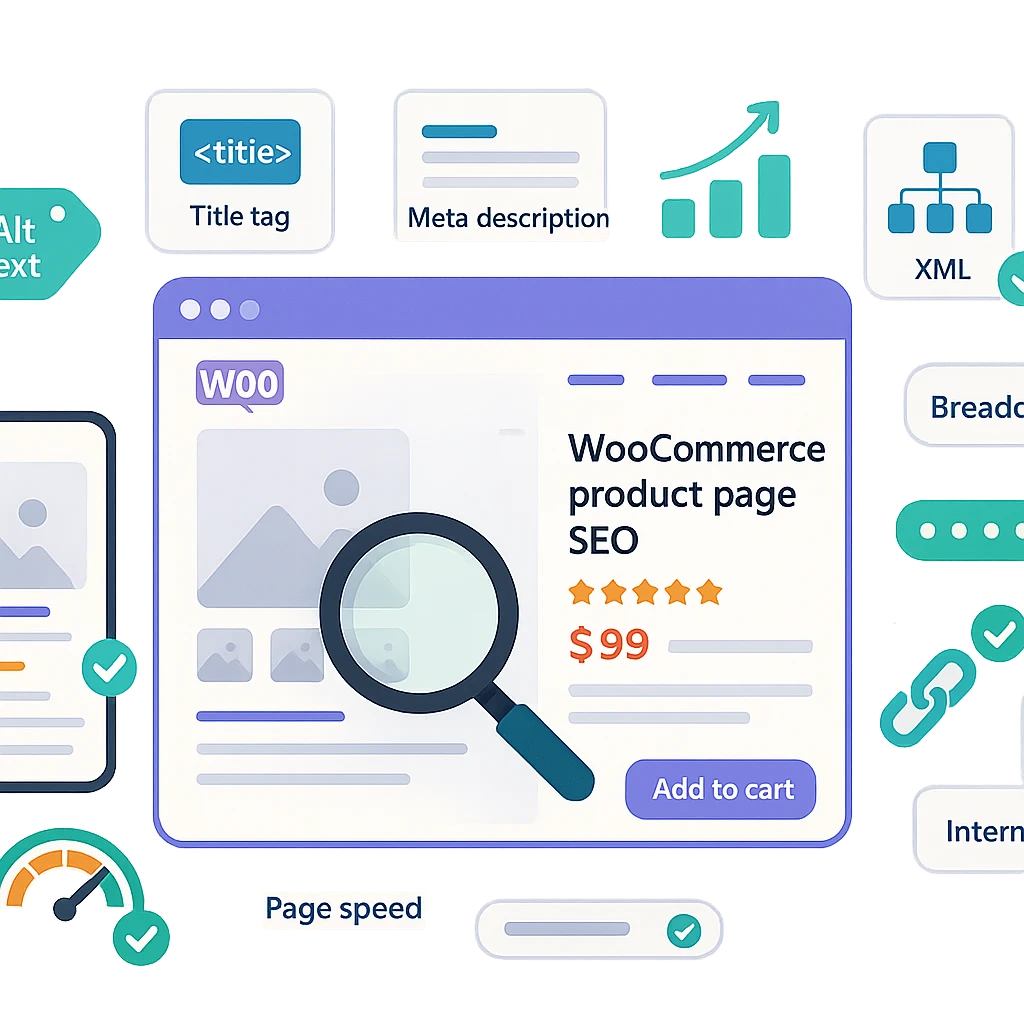
WooCommerce Product Page SEO: 7 Must-Have Winning Tips
Why WooCommerce Product Page SEO Is Essential for Your Store
A well-optimized WooCommerce Product Page SEO strategy can make the difference between a thriving online store and one that struggles to attract organic traffic. While high-quality product images and compelling descriptions are crucial, they alone won’t guarantee visibility in search engine results. Many store owners neglect SEO, only to wonder why their products never rank on Google.
The solution? A strategic approach to optimizing your product pages ensures search engines understand what you sell and match your listings with relevant search queries. Well-structured pages not only improve rankings but also enhance user experience, leading to higher click-through rates, better conversions, and long-term organic growth—without relying solely on paid ads.
Here are seven must-have WooCommerce Product Page SEO tips to help your store stand out and drive consistent sales.
—
1. Conduct Thorough Keyword Research
Effective WooCommerce Product Page SEO starts with identifying the right keywords. Your goal is to discover the exact phrases potential customers use when searching for products like yours. Focus on long-tail keywords with strong buying intent—for example, organic cotton yoga pants for women instead of just yoga pants.
Top Tools for Keyword Research:
– Google Search Console – Reveals actual search queries driving traffic to your site.
– Ahrefs or SEMrush – Provides keyword difficulty, search volume, and competitor insights.
– Google Keyword Planner – Helps uncover high-value commercial keywords.
Once you’ve selected the best keywords, integrate them naturally into product titles, descriptions, URLs, and image alt text. Avoid keyword stuffing, as it can harm rankings rather than help.
—
2. Optimize Product Titles and URLs for Maximum Impact
Your product title is one of the most critical on-page SEO elements. It should be clear, descriptive, and include your primary keyword near the beginning. Keep titles under 60 characters to ensure they display fully in search results.
Best Practices for SEO-Friendly URLs:
– Use clean, readable URLs (e.g., `/shop/organic-cotton-yoga-pants/` instead of `/product/?id=1234`).
– Avoid unnecessary numbers or parameters.
– Include the main keyword where it fits naturally.
A well-structured URL improves both search engine readability and user experience, increasing the likelihood of clicks.
—
3. Write Persuasive, SEO-Friendly Product Descriptions
Generic or copied product descriptions won’t cut it. Instead, craft unique, engaging content that highlights benefits while naturally incorporating keywords.
Tips for High-Converting Descriptions:
– Highlight key features and how they solve customer pain points.
– Use short paragraphs, bullet points, and subheadings for easy scanning.
– Answer common customer questions to reduce bounce rates.
– Include your focus keyword naturally without overuse.
A well-written description keeps shoppers engaged and signals to search engines that your page offers valuable content.
—
4. Optimize Product Images for SEO and Performance
Images influence both user experience and WooCommerce Product Page SEO. Optimized visuals help your products appear in Google Images search while improving page load speed.
Best Practices for Image Optimization:
– Rename files before uploading (e.g., `organic-yoga-pants-black.jpg` instead of `IMG_1234.jpg`).
– Add descriptive alt text with relevant keywords.
– Compress images using plugins like Smush or ShortPixel to boost page speed.
Fast-loading, well-labeled images enhance accessibility and improve rankings.
—
5. Improve Site Speed and Mobile Usability
Google prioritizes fast, mobile-friendly websites. A slow or poorly optimized store can hurt rankings and drive potential customers away.
How to Enhance Performance:
– Use a lightweight WooCommerce theme.
– Implement caching with plugins like WP Rocket.
– Choose a reliable hosting provider optimized for WooCommerce.
– Ensure your design is fully responsive for mobile shoppers.
A seamless mobile experience boosts rankings and increases conversions.
—
6. Implement Structured Data for Rich Snippets
Structured data (Schema markup) helps search engines display enhanced details—such as star ratings, price, and availability—directly in search results.
How to Add Structured Data:
– WooCommerce includes basic Schema by default.
– Enhance it further with plugins like Rank Math or Yoast SEO.
– Test markup using Google’s Rich Results Test.
Rich snippets make your listings more appealing, leading to higher click-through rates.
—
7. Leverage Customer Reviews for SEO and Trust
Customer reviews serve as powerful social proof while boosting WooCommerce Product Page SEO.
Why Reviews Matter:
– They add fresh, unique content to your pages.
– They include natural long-tail keywords that improve rankings.
– Positive reviews increase conversion rates.
Encourage buyers to leave feedback and display reviews prominently on product pages.
—
Bonus Tip: Strengthen Internal Linking
Internal linking improves site structure and helps search engines discover and index your pages.
Effective Linking Strategies:
– Link to related products and categories.
– Reference products in blog posts naturally.
– Use WooCommerce’s Customers also bought feature.
A well-connected site enhances crawlability and keeps shoppers engaged longer.
—
Monitor Performance and Continuously Improve
SEO is an ongoing process. Track performance using:
– Google Analytics (monitor traffic and user behavior).
– Google Search Console (check rankings and impressions).
Test different titles, descriptions, and layouts to refine your strategy. Small, consistent optimizations lead to long-term growth.
—
Final Thoughts: Elevate Your WooCommerce SEO Today
By implementing these WooCommerce Product Page SEO strategies, you’ll create a search-friendly store that attracts more organic traffic, improves rankings, and drives sustainable sales. Start optimizing now—your future customers are already searching for your products!